System Configuration
2 min
Before managing content it is recommended that you configure your account preferences to ensure you remain informed about system activity.
Email Notifications
By navigating to the Settings tab, you can manage email notifications. You have the option to receive alerts when:
- A backup completes successfully
- A backup task fails
These notifications are sent to the email address associated with your ArcGIS Online account.
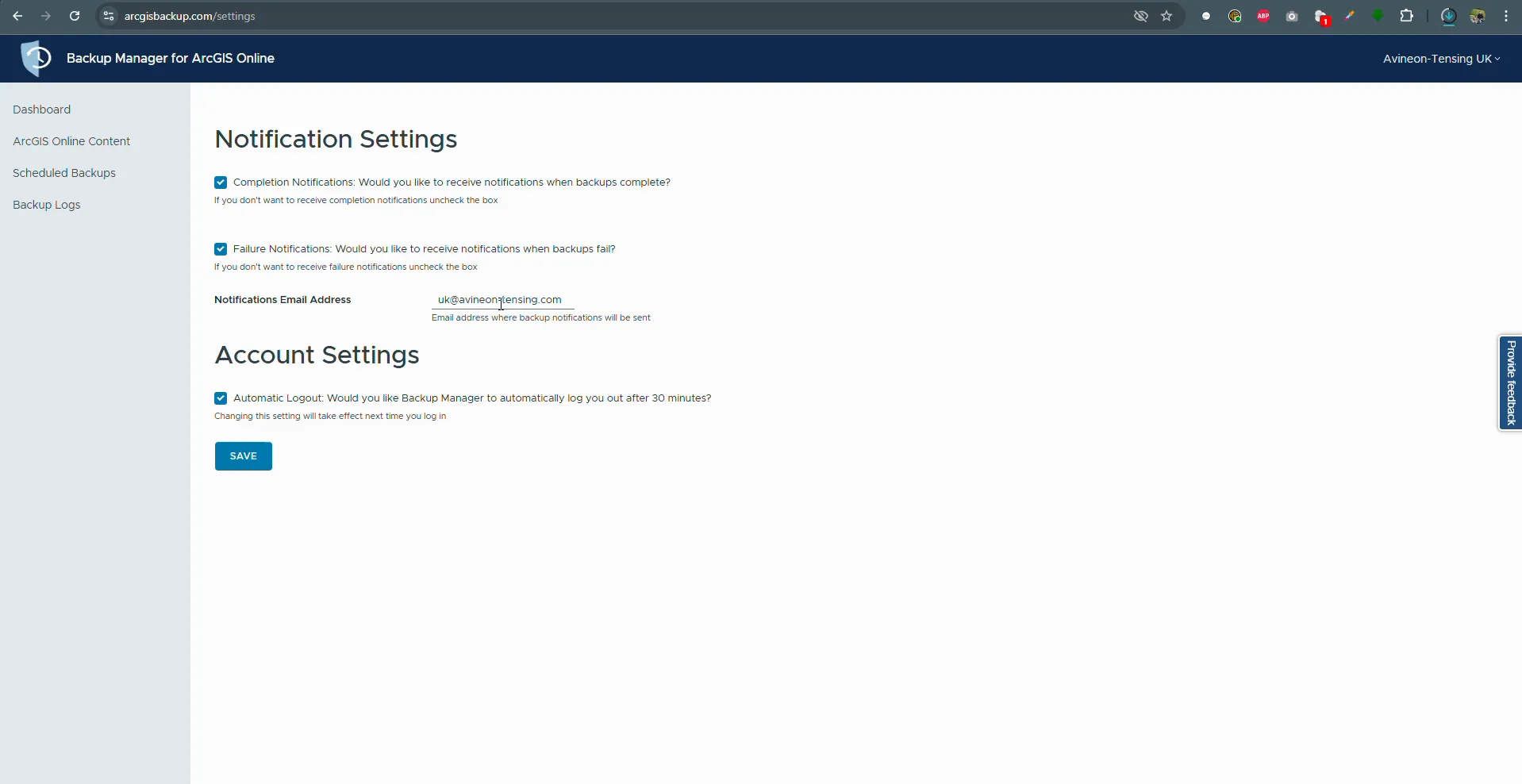
The settings menu for configuring email alerts.
Automatic Logout
For security purposes you can enable the Automatic Logout feature in the Account Settings section. This will end your session after a period of inactivity.